
I’ve been generating the hero images on my blog posts using cursor, and so far it’s been quick and easy. So I was surprised to see everything fall apart when using the same tools for icons in a game I’m working on.
Transparency is a blind spot. Cursor and other LLMs often don’t understand transparency. They’ll happily put a checkerboard pattern behind the image. That pattern is a convention from image editors to show “nothing here,” but generation tools should be trained on raw image data. They shouldn’t need to bake the checkerboard into the pixels. Yet here we are: ask for a transparent PNG and you get a PNG with a checkerboard background, as if the model learned the UI of Photoshop instead of the actual concept of alpha.
Size gets ignored. Cursor currently has a bug where it ignores the dimensions in an image request. Icons need to be small and readable at small sizes. When the tool generates at some default large resolution with lots of detail, scaling down makes everything look muddy and worse than a simpler, purpose-built small asset. So even when the composition is fine, the output is the wrong kind of image for the job.
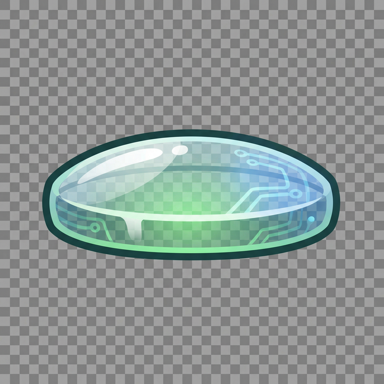
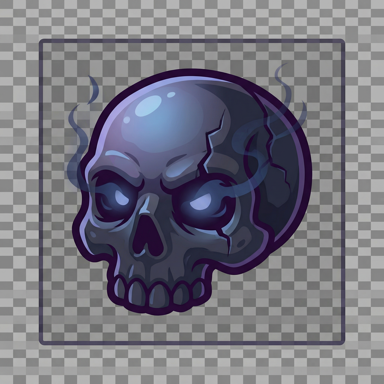
Tool hopping to get the job done. I’ve found that Gemini can fulfill these requests fairly well by generating sprite sheets. That’s a relief. But it’s annoying to need several tools to satisfy what should be a basic ask: “here’s a list of items, give me small, transparent icons.”
So for now: blog imagery stays in the usual flow, and game icons go through Gemini. I’d rather have one pipeline that handles both. Until then, knowing where each tool breaks is the only way to get usable results.